

 BG
BG


5 tips to avoid common mistakes in mobile repairs
29-01-2024 • Време за четене: 4 min

Repairing mobile phones can be challenging as various errors may occur. It is crucial to understand which mistakes can often be prevented, even if you have limited experience.
In this blog, we share practical tips to avoid errors and discuss common mistakes, so that you can easily steer clear of them.
Ensure Correct Diagnosis
To make the right diagnosis, it is essential to fully understand the issue before starting the repair. Ask targeted questions to the customer to obtain detailed information about the problem. This provides insights into when the problem occurred and which recent events may have influenced it. During the diagnostic phase, pay attention to the following:
- Physical condition: Check the device for any damage, such as broken screens, dents, or possible liquid damage.
- Test functionality: Assess various functions of the device, including the camera, speaker, microphone, sensors, battery, and charging port, to evaluate performance.
- Rule out potential software issues: Check for software problems by updating or resetting the operating system.
- Use diagnostic tools: It is crucial to use the right tools designed for any specific mobile device. Manufacturers often provide software or codes for diagnostic tests.
Know What You Are Repairing
Mistakes are easily made if you do not have sufficient knowledge about the specific device you are repairing. Stay informed about new technologies by following news and participating in training and webinars. Seek feedback from colleagues or other specialists to enhance your skills. It is crucial always to keep learning.
Use Your Tools Appropriately
Incorrect use of repair tools can lead to damage to both parts and the mobile device itself. This mistake can be avoided by ensuring you have the right repair tools for the specific task and using them correctly according to the instructions. Here are some tools that are often misused:
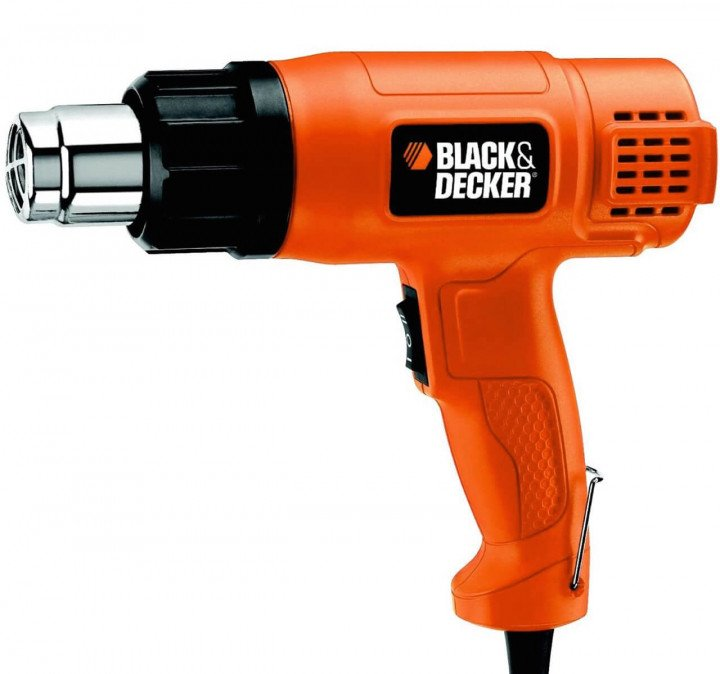
1. Heat gun
Common mistakes: Phone components can overheat if the heat gun is used incorrectly. Excessive heat can damage sensitive components like batteries or the motherboard.
Correct usage: Adjust the temperature and airflow of the heat gun based on the repair needs. Always start with lower temperatures and adjust as needed. Keep the heat gun at a safe distance from the device, usually about 5-10 cm. Move the heat gun constantly to ensure even heating.
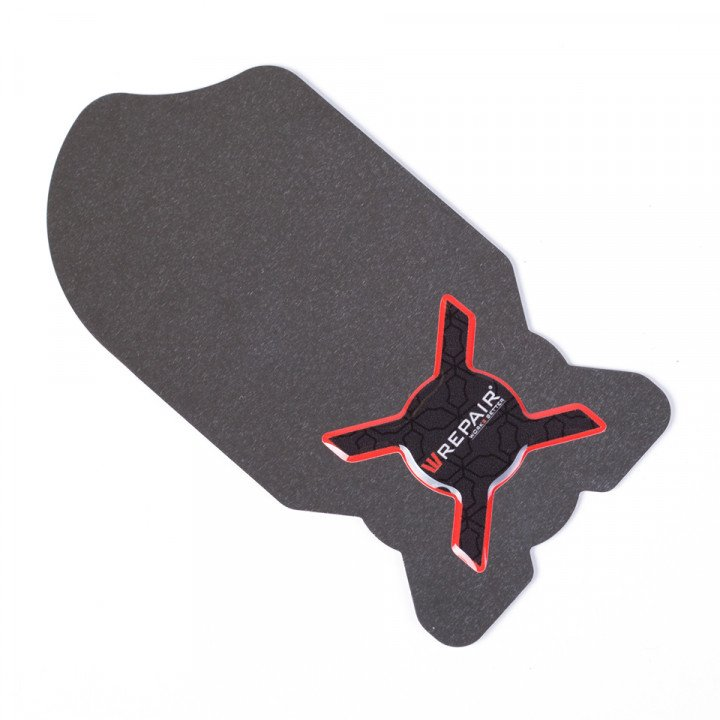
2. Plastic opening tools
Common mistakes: Applying too much force leads to breaking plastic clips or damage to the screen.
Correct usage: Ensure that pressure is evenly distributed, and place the tool at the right angle to prevent slipping and causing scratches.
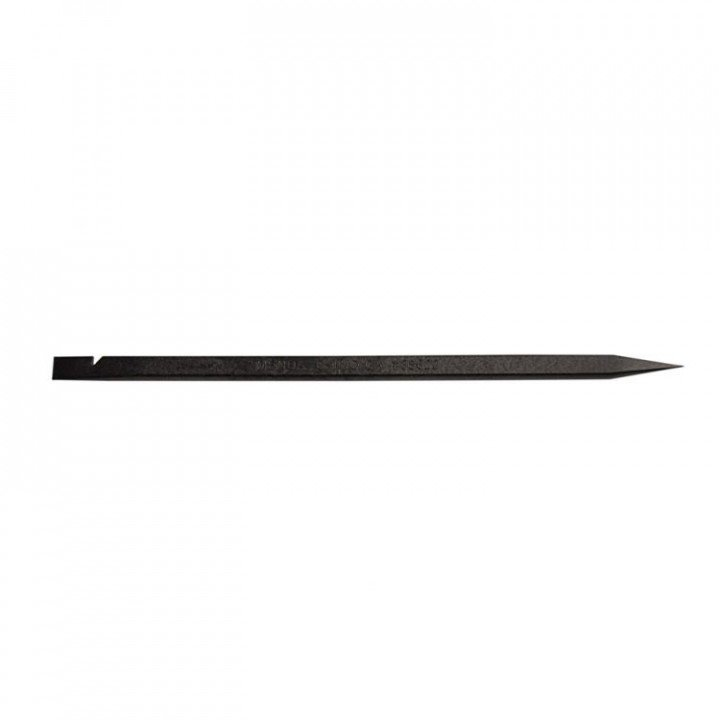
3. Metal spudgers
Common mistakes: Metal coming into contact with the motherboard, causes a short circuit and severe damage to the product.
Correct usage: Be cautious and use metal spudgers only where it is safe. Gently place the tip of the metal spudger where you want to apply pressure. Apply pressure gradually and evenly. Start with light pressure and increase if necessary. Move the spudger slowly along the edges of the casing and avoid forcing anything.
Test Thoroughly After Completing the Repair
A commonly overlooked mistake is insufficient testing after the repair. It is crucial to thoroughly test the device's functionality before returning it to the customer. By following a comprehensive testing routine, you can ensure that all issues are resolved, and make sure that the device performs optimally. This minimizes the chance of recurring complaints and dissatisfied customers.
Use Glue Appropriately
Incorrect use of glue can cause problems. Choose the right glue and follow the manufacturer's instructions carefully. It is crucial to apply the glue carefully to prevent excessive use and potential damage to the interior. Here are general guidelines for using glue when repairing a mobile phone:
- Preparation: Turn off the phone completely and, if possible, remove the battery to prevent damage.
- Choose the right glue: Use specific glue for electronics, such as thin, quick-drying glue.
- Glue applications:
- For attaching screens: Use double-sided, transparent tape.
- For screen glass, UV light-curing glue may be suitable.
- For internal components: Use electronic glue for connectors and cables.
- For the casing: Choose specific glue based on the material of the housing.
- Apply carefully: Apply the glue carefully and precisely to avoid excessive use.
- Respect drying time: Let the glue cure for the recommended drying time before reassembling the phone.
- UV light-sensitive glue: Exposure to the correct UV light is crucial for complete curing.
- Quality of glue: Use high-quality glue from reliable manufacturers for durability and reliability.
Do you have any questions? Feel free to contact us and discover how Foneday can assist you in completing repairs as effectively as possible. Together, we can deliver successful repairs to your satisfied customers. At Foneday, we are ready to elevate your repair shop to a higher level.


